
Music that follows your heart rate instead of a playlist.
PeakBeat reads heart rate and running cadence in real time and picks the next track to match: the zone you are in chooses the energy, your steps per minute lock the beat, and owned audio is time-stretched so the kick lands on your foot. An Android phone or a standalone Wear OS watch, with no server in the loop.
Founder's Pass: free for the whole beta and the first year after it. 500 places, closing 15 November 2026.
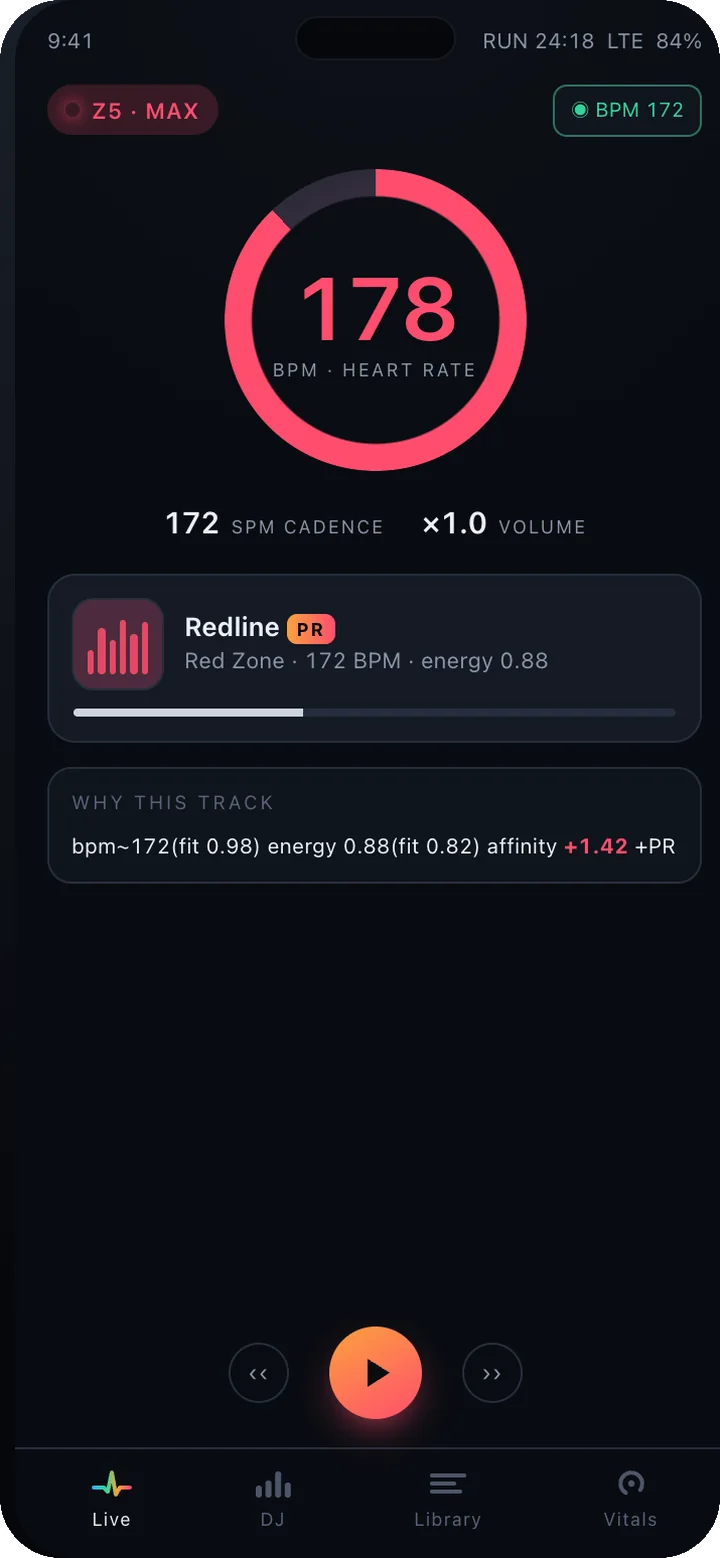
Your effort writes the setlist.
Workout music that follows your heart rate and your cadence. The tempo rises when your effort does and drops when you recover. On the phone and on the watch.
effort zones
Recovery, base, tempo and max, from your own heart-rate reserve. Each zone owns a BPM band and an energy band, and the music lives inside it.
tempo lock
Owned tracks are time-stretched with pitch preserved so an 85 BPM song fits a 170 spm stride. Half-time and double-time both count.
servers in the loop
Sensors, engine and player all run on the watch or the phone. Nothing about your workout leaves the device.
What ships in the beta
Everything below is either built or being built. Waitlist members get each piece as it ships.
- 01
Personal heart-rate zoning
Zones from your heart-rate reserve by default (the Karvonen method), or from %HRmax or fixed bands if you prefer. Your live pulse is smoothed, and has to sit in a new zone for a moment before the music changes, so a noisy sensor cannot keep flipping the playlist.
- 02
Cadence lock
On runs your steps per minute override the band: the target becomes cadence ±4 BPM, matched at ½×, 1× or 2× so the beat and the footfall agree.
- 03
Every pick shows its reasoning
Each track is scored on BPM fit and energy fit, gated by zone, then weighted by what you have liked before. A reason card shows the scoring as it happens.
- 04
An affinity model you can read
Finishing a track, replaying it or skipping it all teach the model, and a skip during a hard interval counts eight times as much. The arithmetic is visible, runs on the device and is never uploaded.
- 05
Workout DJ
One tap builds a warm-up, build, peak and cool-down block from your library, saves your PR songs for the peak and does not repeat a track.
- 06
Smart playlists
170 BPM (harmonic), Never-Skip, PR Songs. All generated from how you listen rather than curated by hand.
- 07
Runs on the watch alone
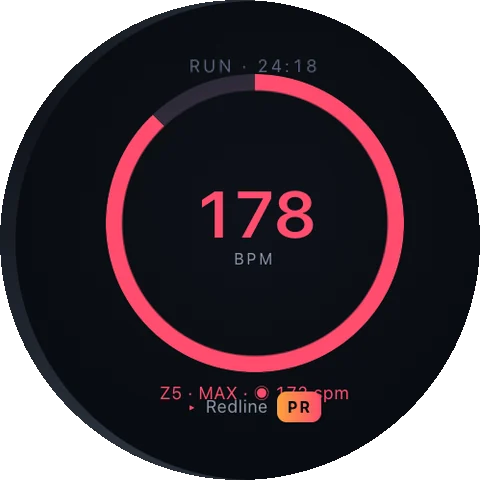
Wear OS watches play synced or on-watch files with the same engine and tempo lock, reading the wrist sensor directly. Leave the phone at home.
- 08
Your music, your library
Local files, uploads and Plex, Jellyfin or NAS libraries get the full treatment. Streaming services are driven as a smart remote, because their terms forbid touching the audio.
A look inside PeakBeat
Scroll sideways for the phone. The watch runs the same engine on its own.
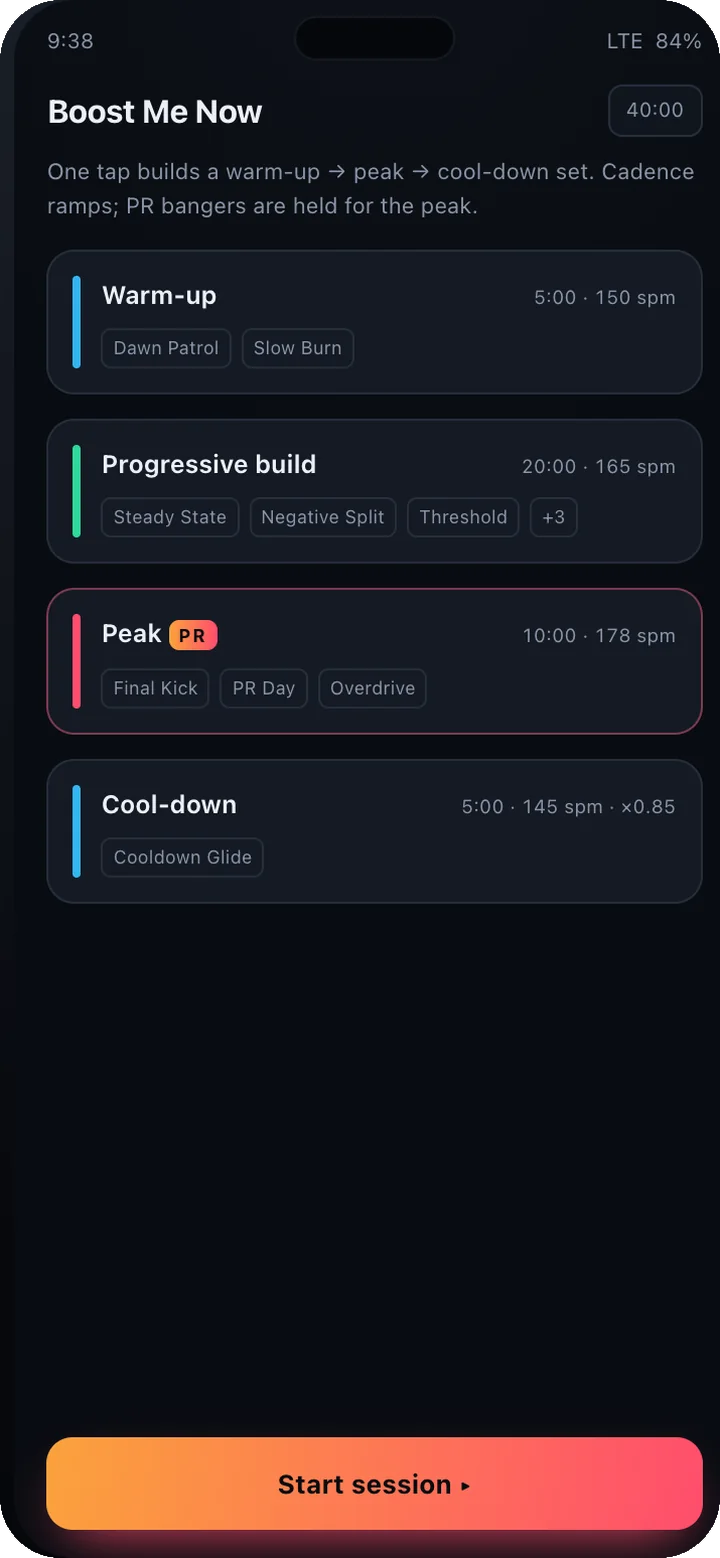
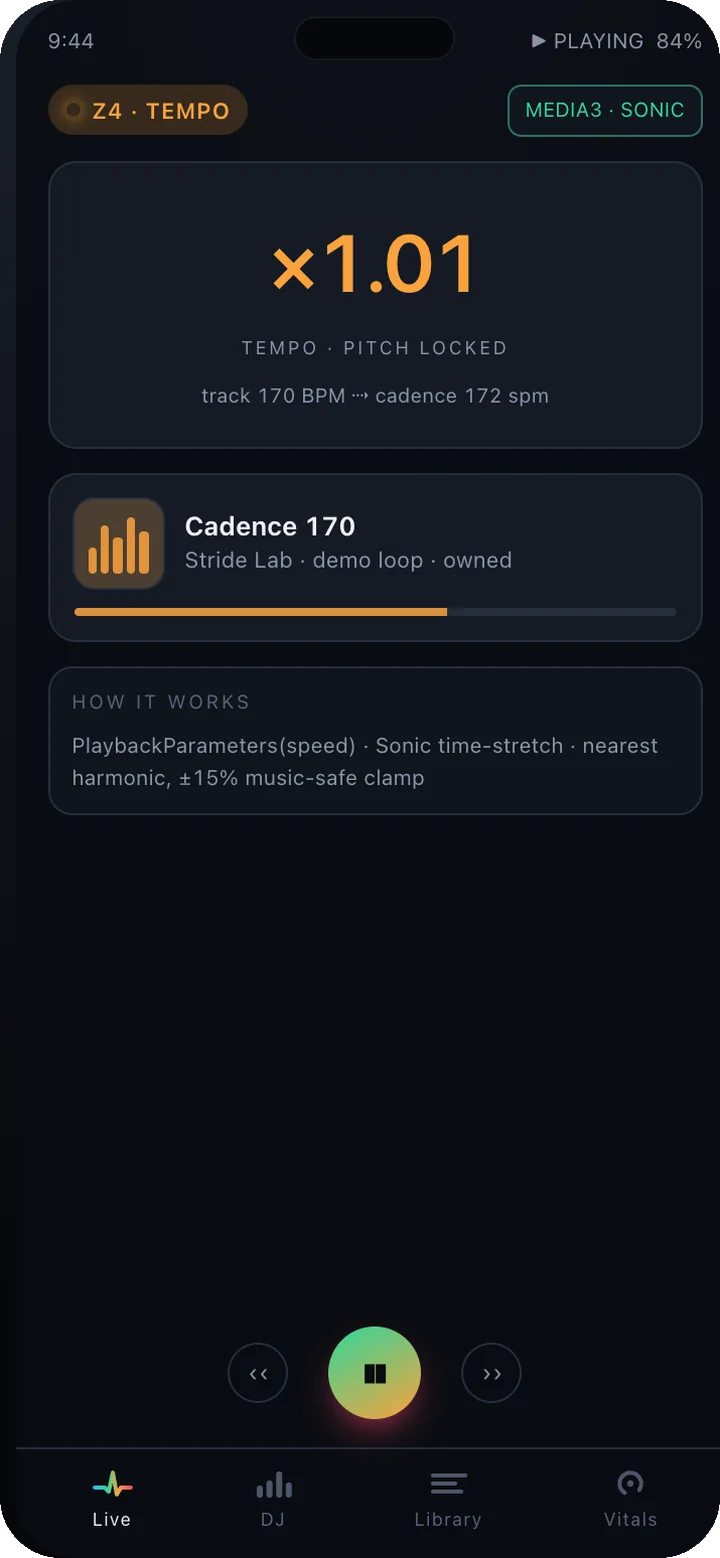
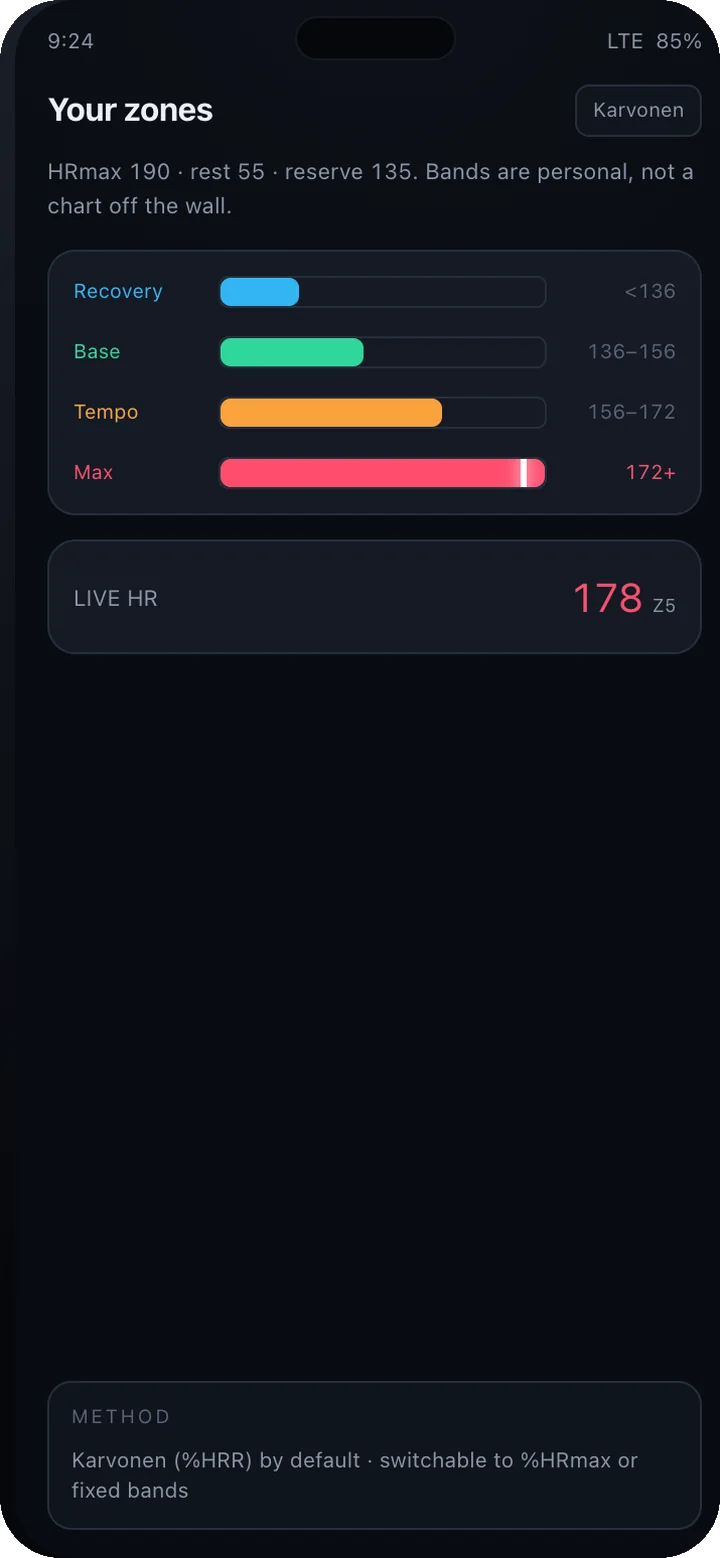
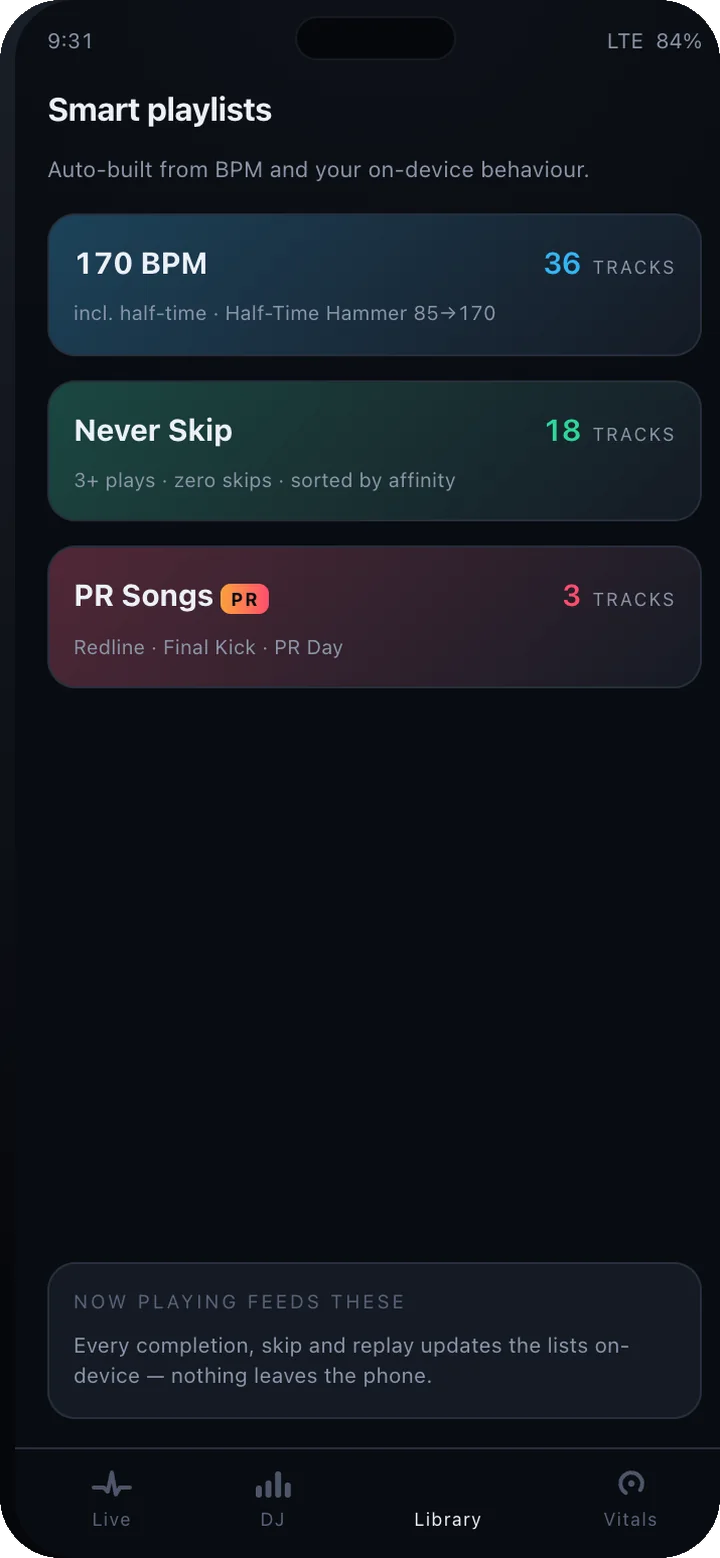
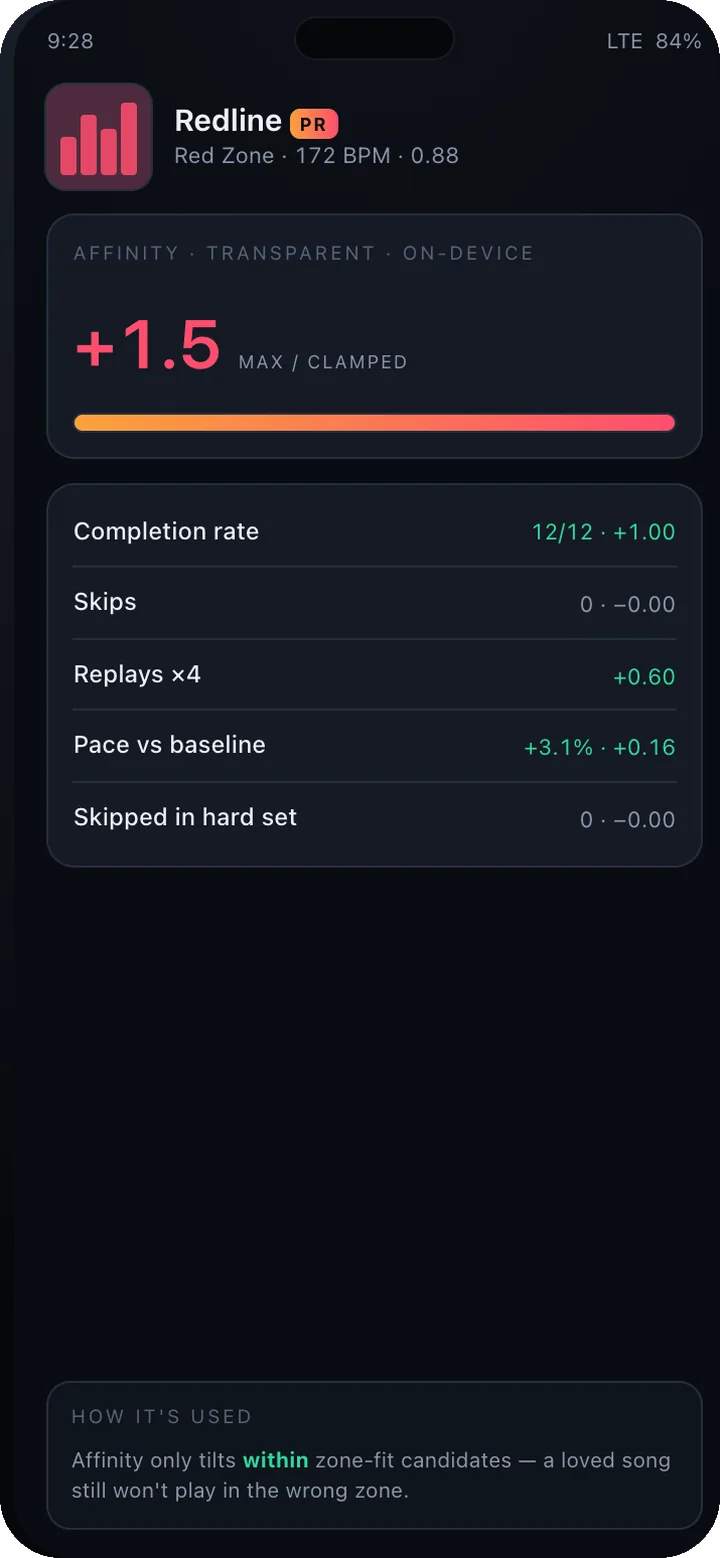
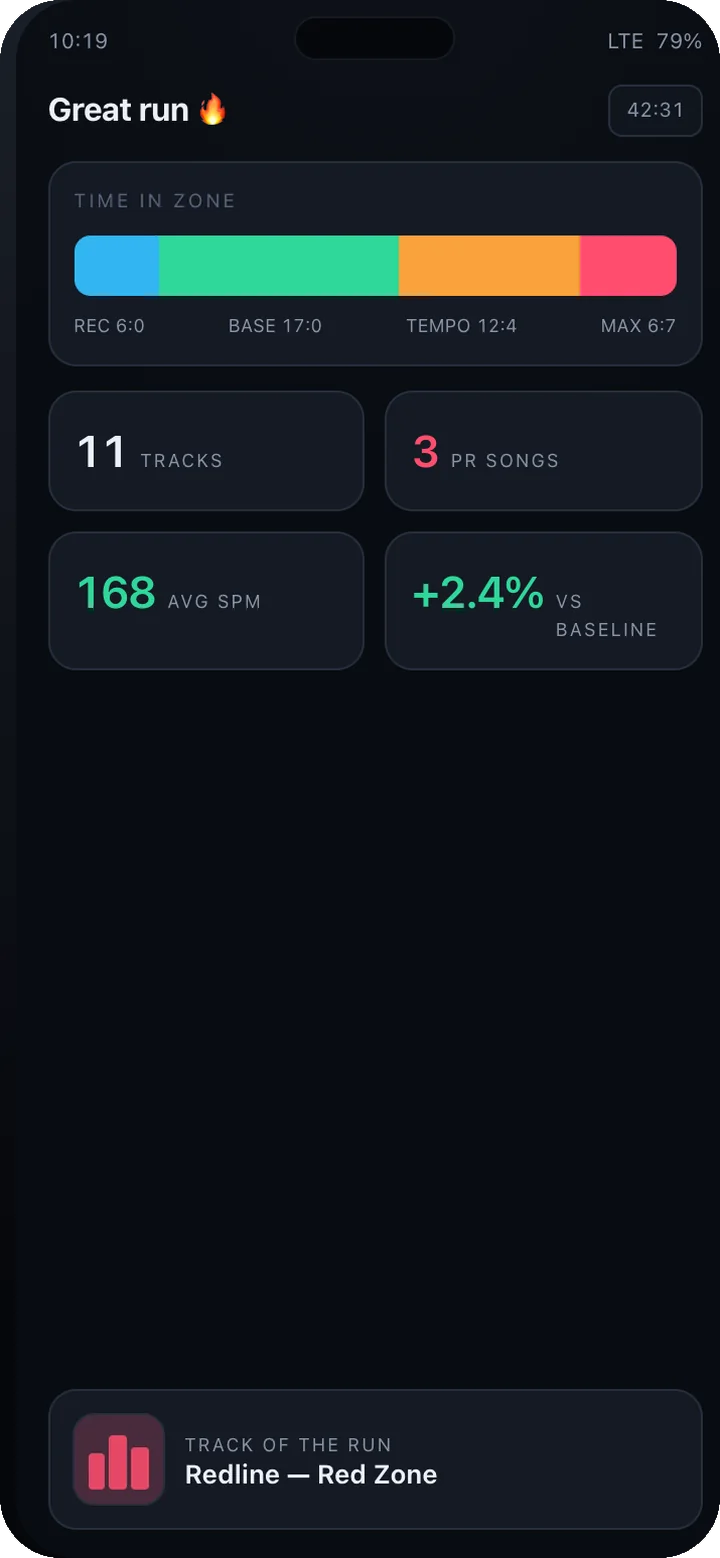
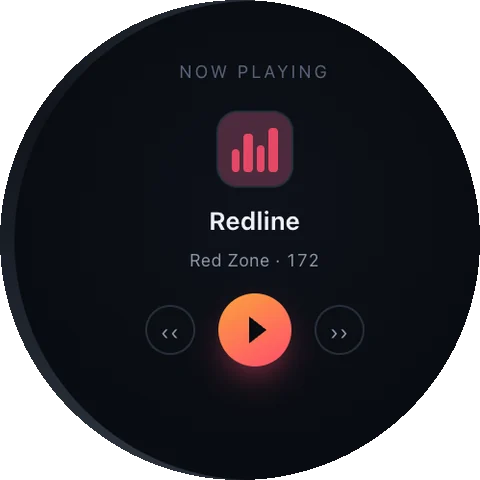
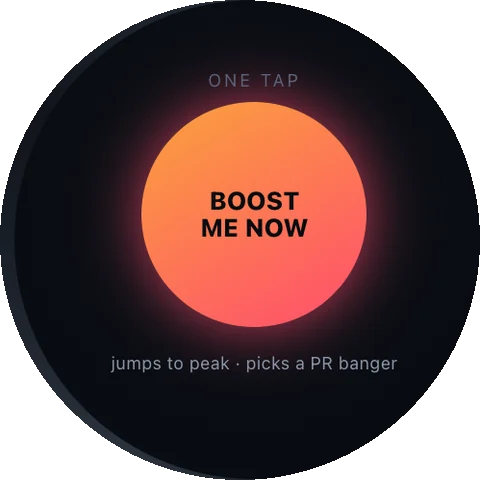
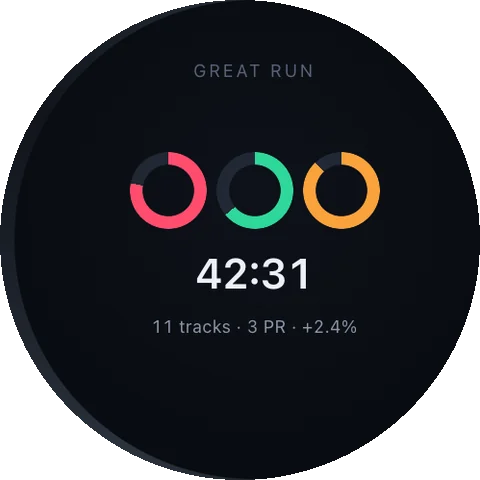
Live adaptation, your own music, on the wrist.
Others pick a tempo before you start, or play their own catalogue. PeakBeat follows your heart rate and cadence live, with the music you own.
| Feature | PeakBeat | RockMyRun | Spotify Running Mode | PaceDJ | YouTube Music |
|---|---|---|---|---|---|
| Follows live heart rate | Yes | Yes | No | No | No |
| Locks the beat to your cadence | Yes | Yes | No | By pace | No |
| Plays your own music files | Yes | No | No | Yes | Yes |
| Time-stretches tracks to the beat | Yes | Own mixes | No | Yes | No |
| Standalone on a Wear OS watch | Yes | No | No adaptation | No | No adaptation |
| Shows why each track was picked | Yes | No | No | No | No |
| iPhone app | No | Yes | Yes | Yes | Yes |
Checked against each product’s public pages and store listings in October 2026. Products change; if a cell is out of date, tell us at hello@upeak.io and we will fix it.
PeakBeat, answered
Does it work with Spotify or Apple Music?
Which watches are supported?
How does it know a track's BPM?
Does it need the internet?
Can it extract music from YouTube?
What is the Founder's Pass?
What happens when the founding round closes?
The other apps
 PeakUBody · A coach that reads everything you already track.
 PeakVitalBaseline · Three tests. One number. Your real age.
 PeakClothesWardrobe · One outfit a morning. No scrolling.
 PeakLookAttention · Drafts the reply. Keeps the follow-up going.
 PeakWatchAgents · Your coding agent, on your wrist.
 PeakVoucherWallet · A wallet for the vouchers buried in your messages.
 PeakFinanceHousehold · Save more, and see exactly where the household stands.
The research behind PeakBeat
Best running playlists by pace: easy, tempo and interval songs
Running playlists by pace: easy, tempo and interval songs sorted by cadence band, every tempo checked against SongBPM…
Spotify Running Mode explained: how to pick your BPM and what it can't do
Spotify Running Mode matches songs to a target BPM. How to pick a tempo from your cadence, when the half-time trick…
Running songs by BPM: 150, 160, 170 and 180 BPM playlists, verified
Running songs by BPM, sorted into 150, 160, 170 and 180 bands plus a half-time 80 to 90 band. Every tempo checked…
Get in while
it is still free.
The suite opens one app at a time, and the first 500 people through the door open it as founders. Tell us what you are training for and that is where we will start you.
Free for the whole beta — and the first year after launch.
Join before 15 November 2026 and you join as a founder. After it closes the waitlist stays open, but a waitlist is all it is: no free year, no locked price, and invites go out behind the founders.
- Every app you tick, free for the whole beta and for the first year after it launches.
- Founder pricing after that year, locked for as long as you stay.
- First in the queue: founders are invited ahead of the general waitlist, in join order.
- A direct line to the people building it — your reply goes to us, not to a helpdesk.
Your founder place is held.
We got it. Your Founder's Pass is logged against your email. When your slot opens you'll get one email with the build for the app you asked for first.